An open-source, self-hosted app to organize your whole family life: shopping, tasks, calendar, budget, recipes and more.
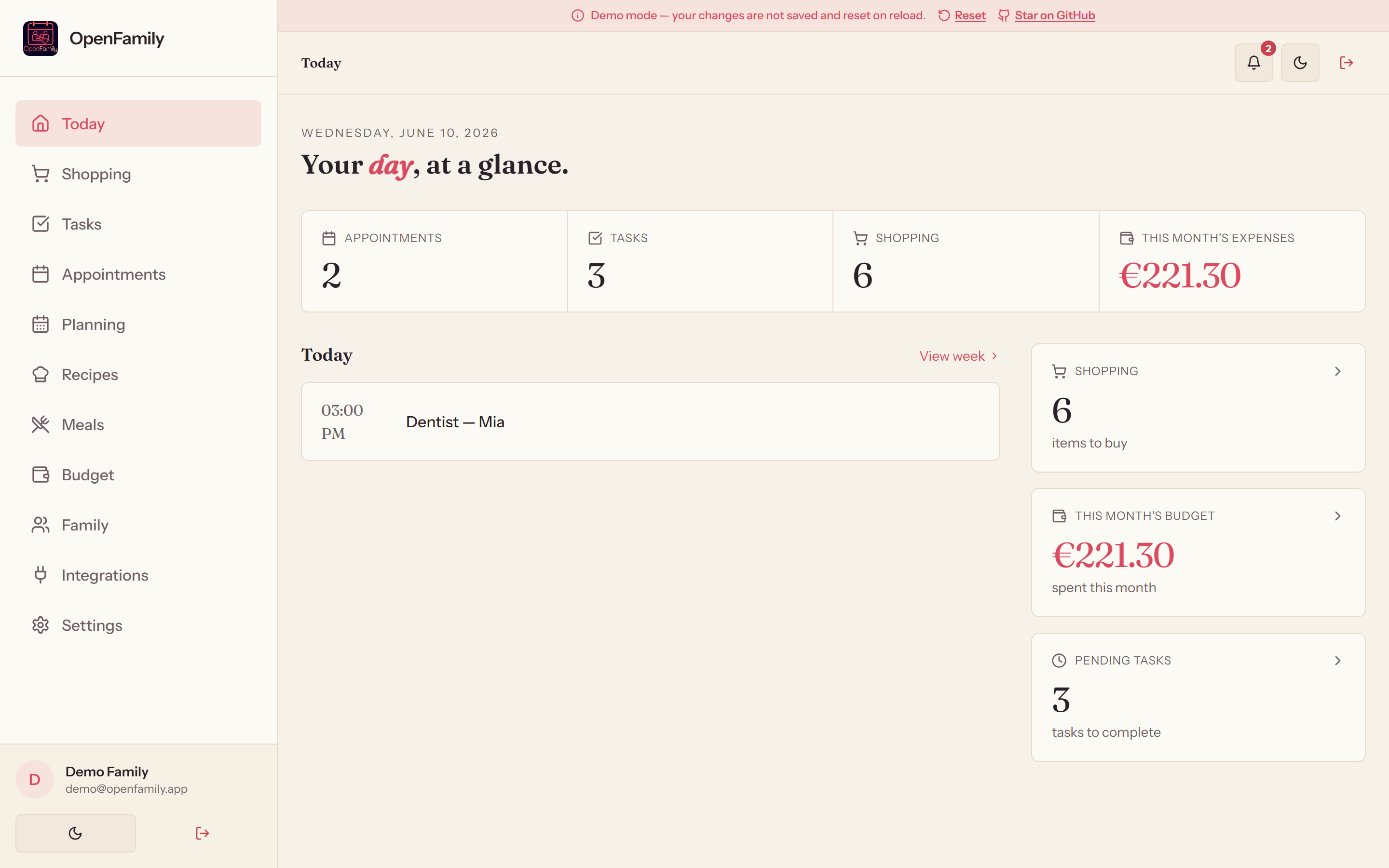
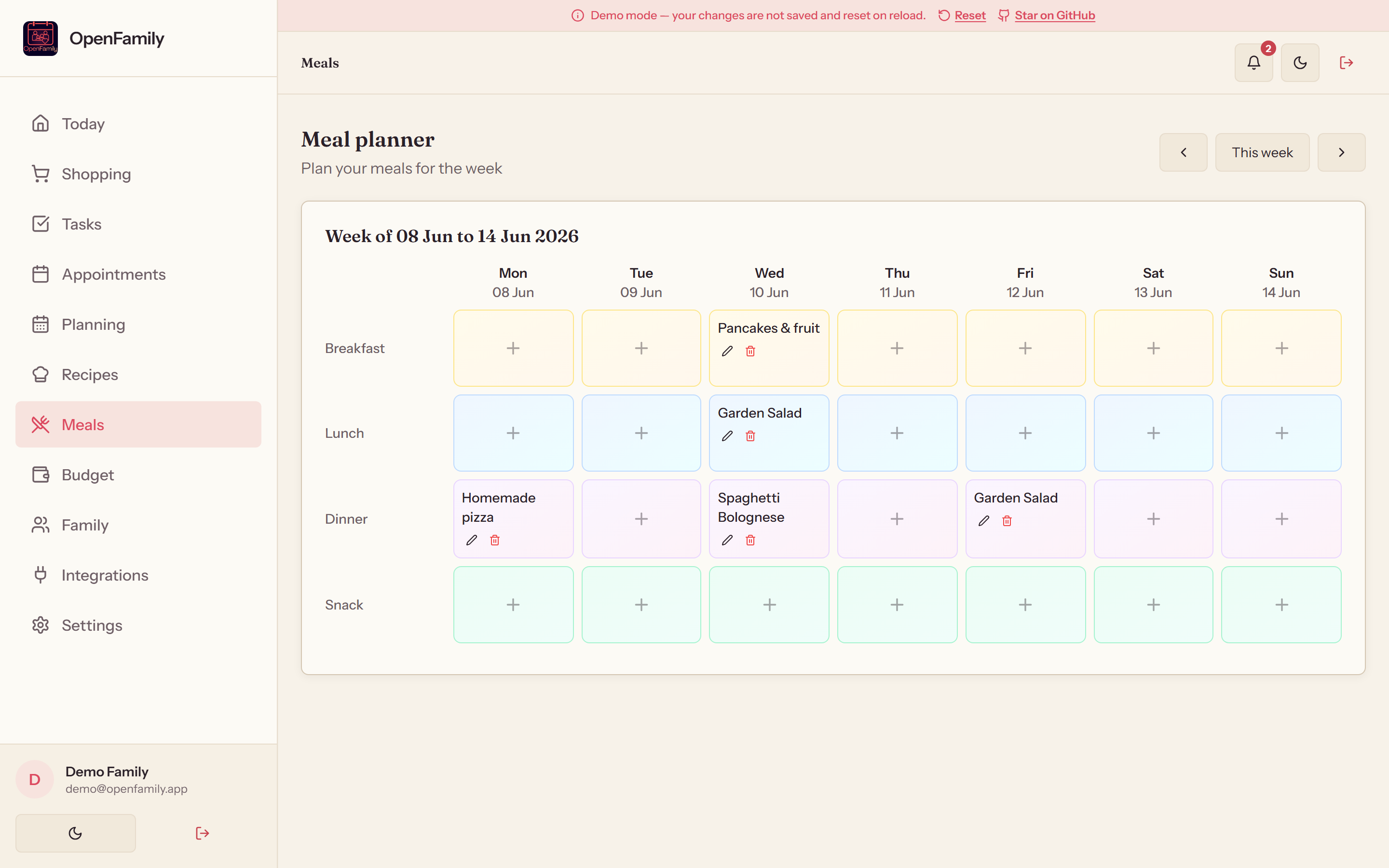
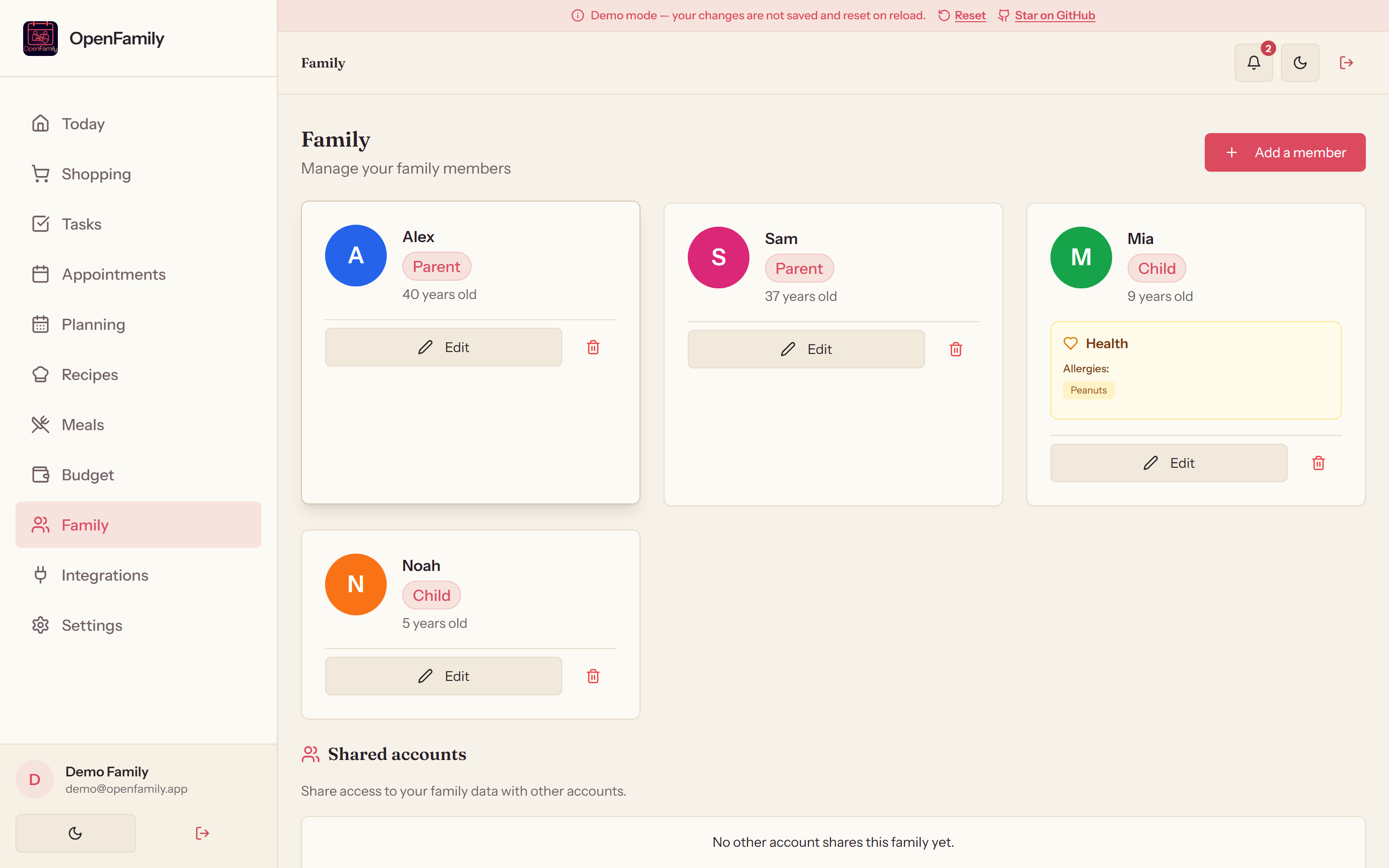
A clean, fast interface, here filled with a demo family. Try it live, nothing is saved.
11 built-in modules, synced in real time across every device.
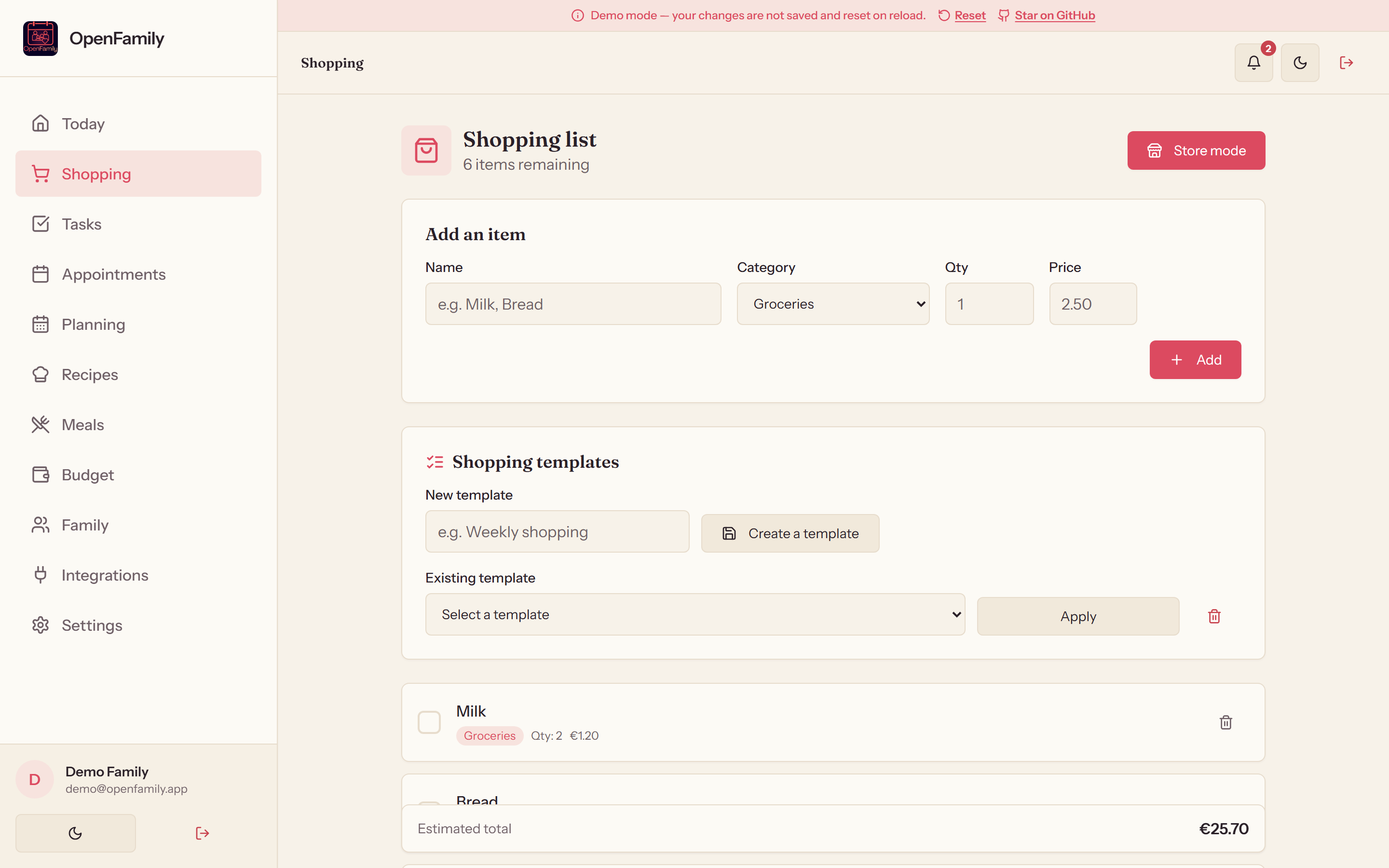
Automatic categories, prices, quantities and reusable templates. Tick items off in real time from the store.
Recurring tasks, 3 priority levels, assignment to a family member.
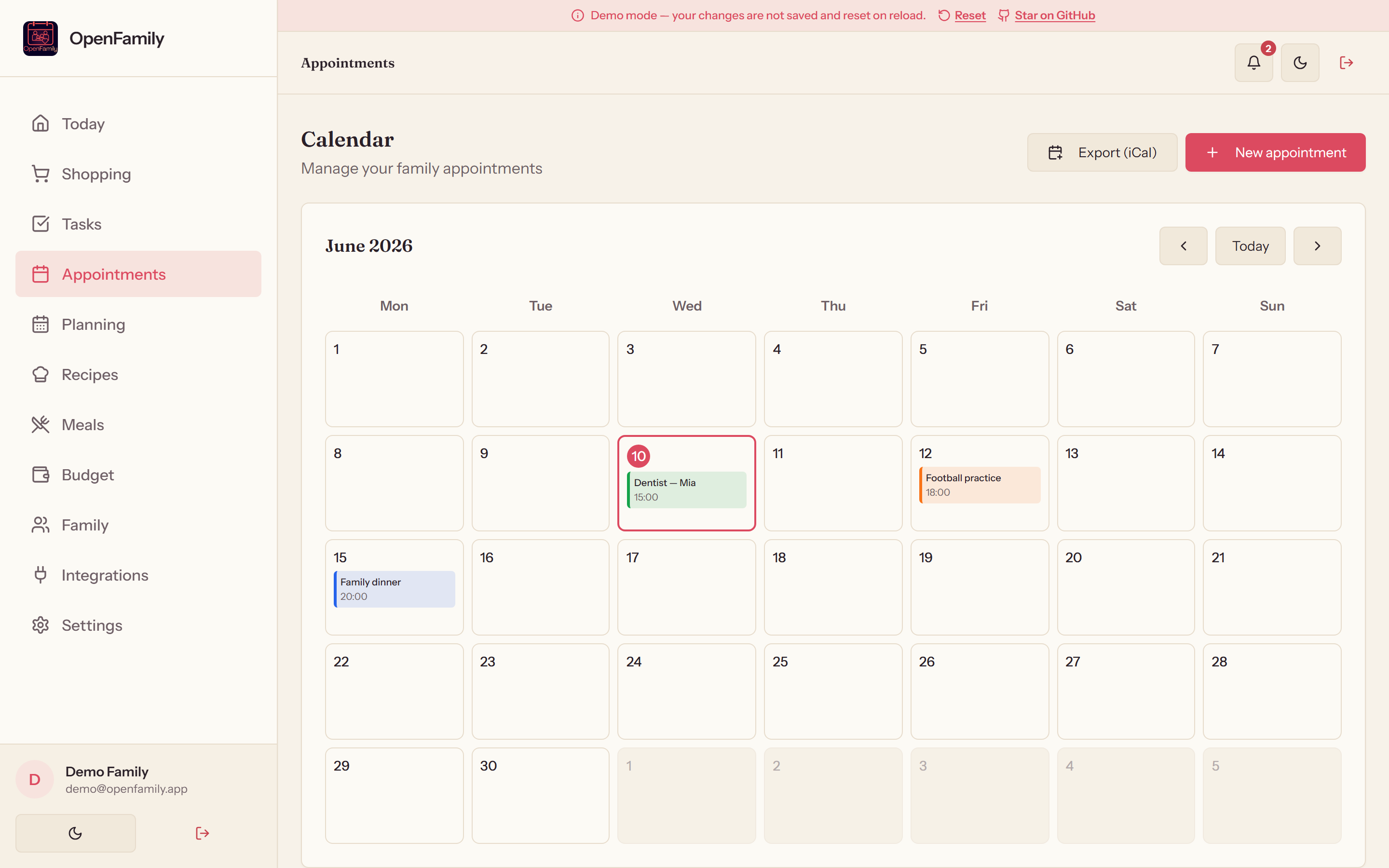
Monthly view with color coding per member, appointments with configurable automatic reminders.
Work and school timetables for each member, time slots day by day.
Family library with ingredients, instructions, photos, tags and advanced filters.
Weekly view linked to your recipes, PDF export of the week's plan.
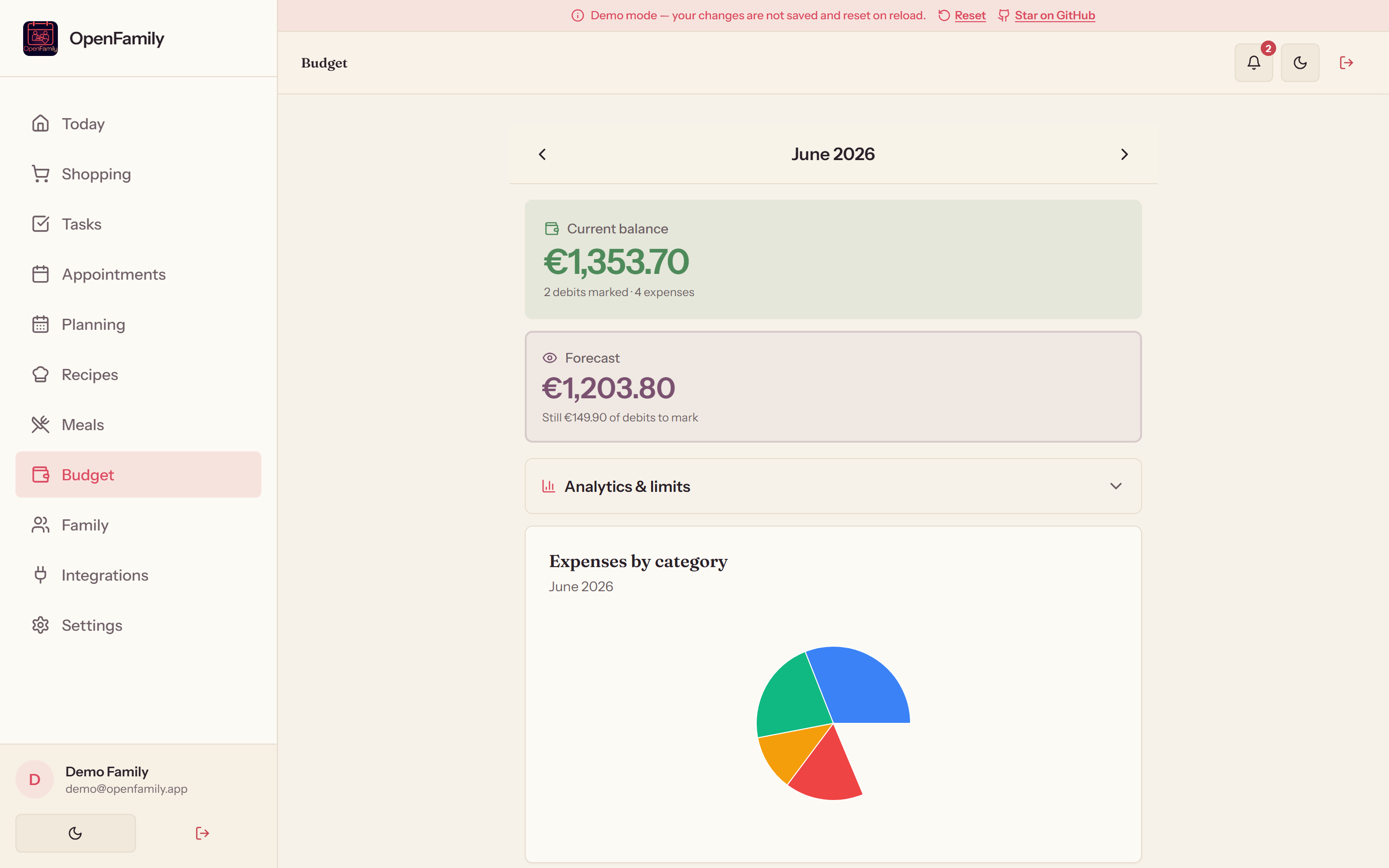
Monthly expense tracking, per-category limits and household trend charts.
Health information, allergies, vaccines and emergency contacts per member.
Every change propagated instantly to all devices over WebSocket.
v1.0.7Appointment reminders and task alerts via Web Push VAPID, even when the app is closed.
v1.0.7Invite members via a link. Access requests, parent/child roles, ownership transfer.
v1.0.7Install the app on iOS, Android or desktop like a native app, with offline support.
Sync OpenFamily with your self-hosted apps in one click, without editing any config file.
Automatic import of all your recipes (pagination, API v1 & v2).
Recipes
Recipe import via the Django REST API.
RecipesShopping-list sync over WebSocket. Compatible with modern (2023.6+) and legacy todo entities.
ShoppingShopping list and stock synchronization with your Grocy instance.
Shopping & stockCalDAV import with automatic calendar discovery and per-UID deduplication.
CalendarThe idea of connecting OpenFamily to the family self-hosting ecosystem (Mealie, Grocy, Home Assistant, Nextcloud) emerged from a direct exchange with Makernix.
On Windows, a single double-click is enough. Otherwise, the only prerequisite is Docker.
Download OpenFamily-Setup.exe and follow the guide. Node.js and PostgreSQL are bundled: no Docker, no configuration. A window opens with three buttons (Start, Stop, Open) and shows the local address to access it from your phone.
Download the latest version (Windows)Copy the environment file and fill in your settings (JWT secrets, URLs, VAPID…).
git clone https://github.com/NexaFlowFrance/OpenFamily.git cd OpenFamily cp .env.example .env # Edit .env with your settings
Launches the 3 services: PostgreSQL, the Express server and the Nginx frontend.
docker-compose up -d --build
The app is available on your local network (or your domain in production).
Frontend: http://localhost:3000 API: http://localhost:3001/health
Run the smoke test that validates all API modules.
npm run smoke:api
Every building block chosen for performance, security and maintainability.
Your data stays with you. Contribute to the project or deploy your own instance right now.
Thanks to everyone who contributes to the project.
Third-party integrations idea: thanks to Makernix. The idea came from a direct exchange with him.
Want to contribute? Read the documentation →